Insights
Know when someone presses play.
Beat pack analytics show what happens after you share a link: pack views, track plays and downloads. See which beats get attention before putting together your next pack.
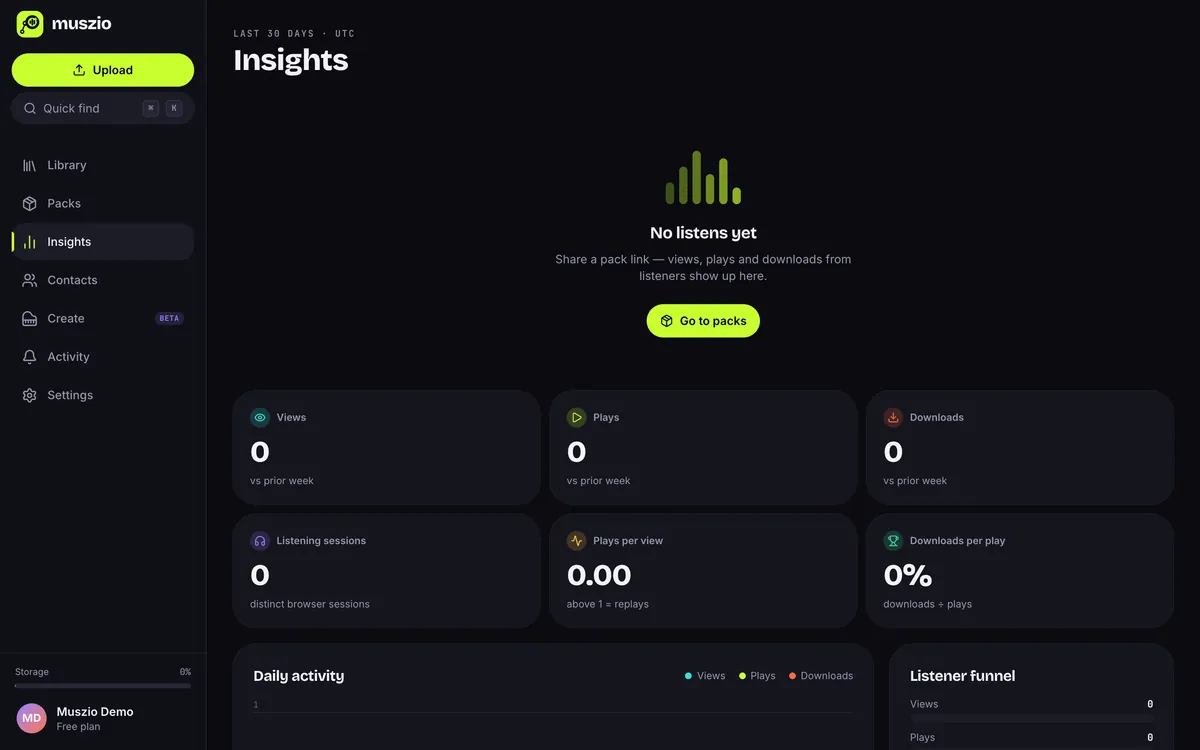
Screenshots on this page use a local demo account with synthetic activity.
01Definitions
Plain numbers, plainly defined.
Every figure comes from recorded events on your shared packs and embeds. Here’s exactly what each one means.
- Views
- Someone opened a pack page, or interacted with an embedded player.
- Plays
- Audio actually started playing on a pack page or embed.
- Downloads
- A track was downloaded from a pack where you allow downloads.
- Listening sessions
- Distinct browser sessions that viewed or played your packs. A session isn’t a verified person.
- Plays per view
- Plays divided by views. Replays can push it above 1.
- Downloads per play
- Downloads divided by plays, across the packs you share.
02Per pack
See which track did the work.
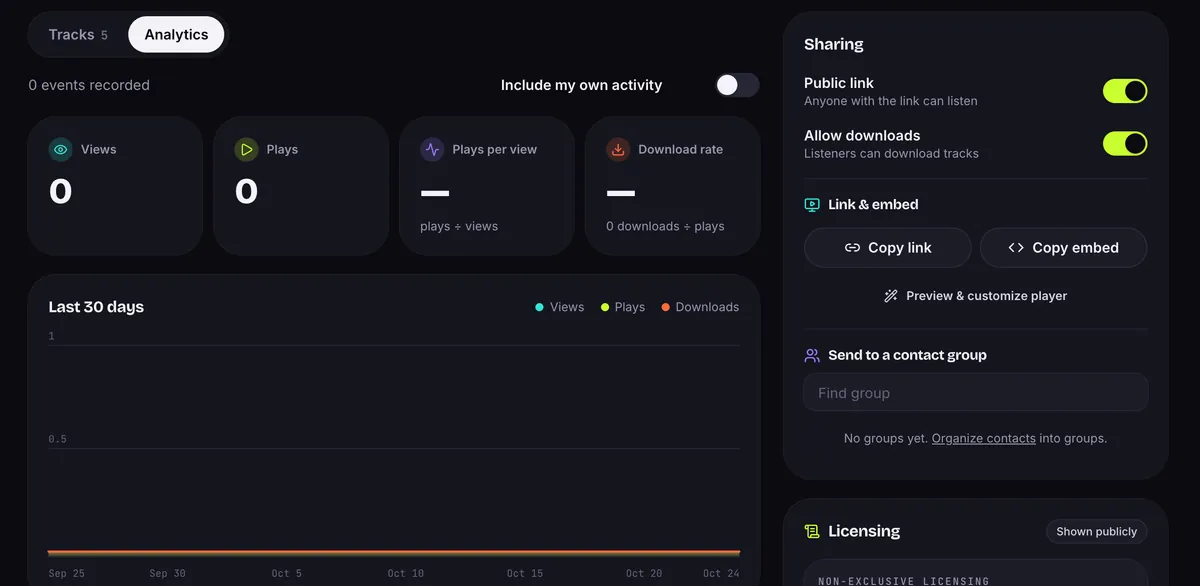
Each pack has its own Analytics tab: totals, a 30-day chart, and plays and downloads per track. The tracks list shows them too, so you know what to follow up on.
03Activity
A live feed of who’s listening.
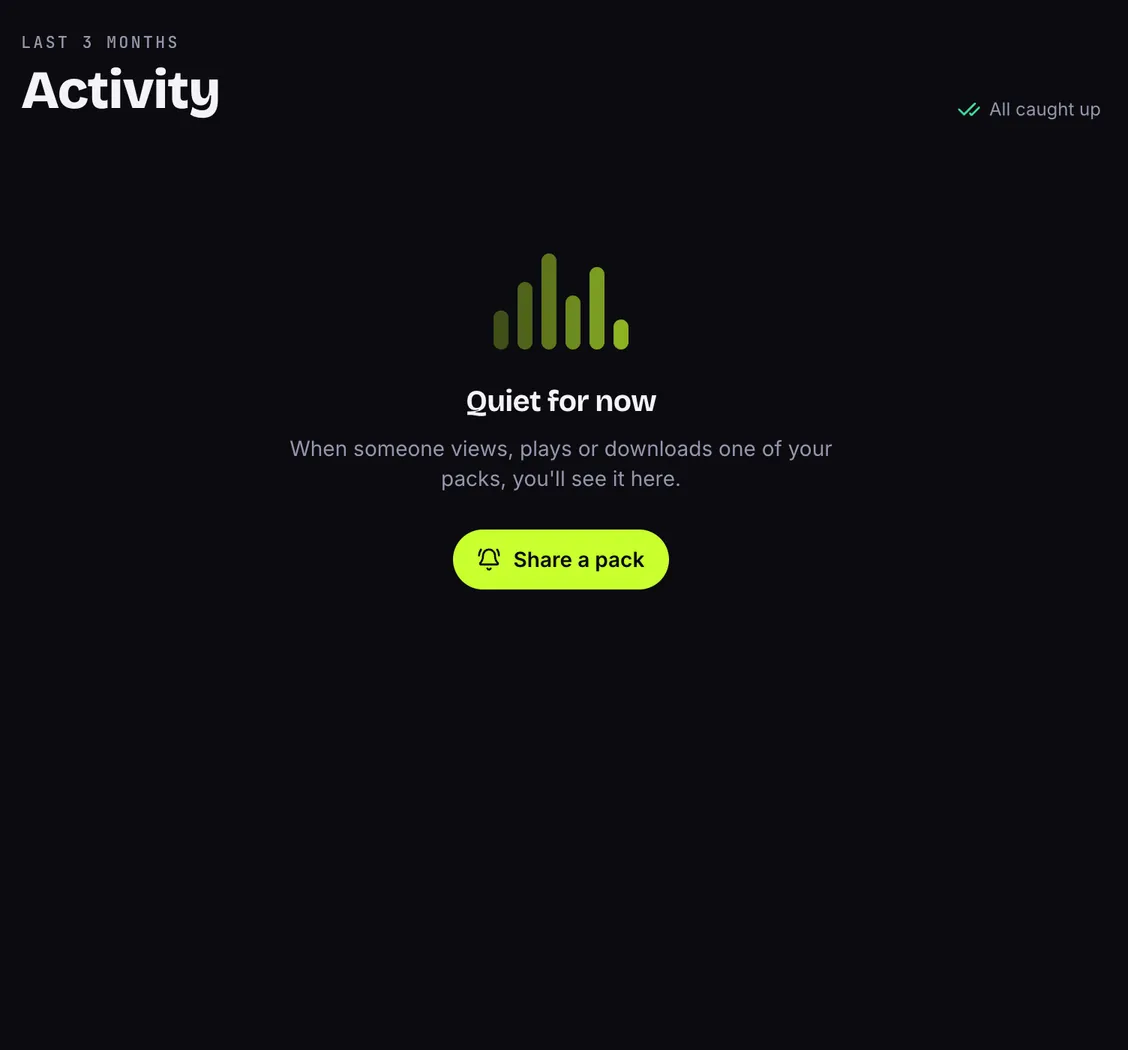
The Activity feed lists every view, play and download on your packs with an approximate city and country. A badge tells you when there’s something new.
Insights questions
Do my own plays count?
How far back does it go?
Where does the location come from?
Are these numbers bot-proof?
Find out which beat they actually played.
Bring your beats into Muszio. The free plan includes every feature and 10 GB of storage. No card needed to sign up.